 Alva Code
Projects & tasks
Open a project and start a task
Give the agent a clear goal and review the result.
Step by step
- Choose “Open project” and select the folder containing your files. For a new project, start with a dedicated empty folder.
- The file tree shows your project files; selecting a file opens it in the editor.
- In the chat panel, choose an available provider and model. Use Chat for questions, Plan to discuss an approach, or Code to request implementation.
- Describe the desired result and any constraints. Mention relevant filenames or attach a reference when useful.
- After the task finishes, read the response and review changed files. Ask for the run or preview instructions if they are unclear.
Create a simple to-do page in this empty folder using HTML, CSS, and JavaScript. Include adding and completing tasks. Explain how I can open it.
Explain this project in plain language. Identify the starting file and how to run it. Do not change files.
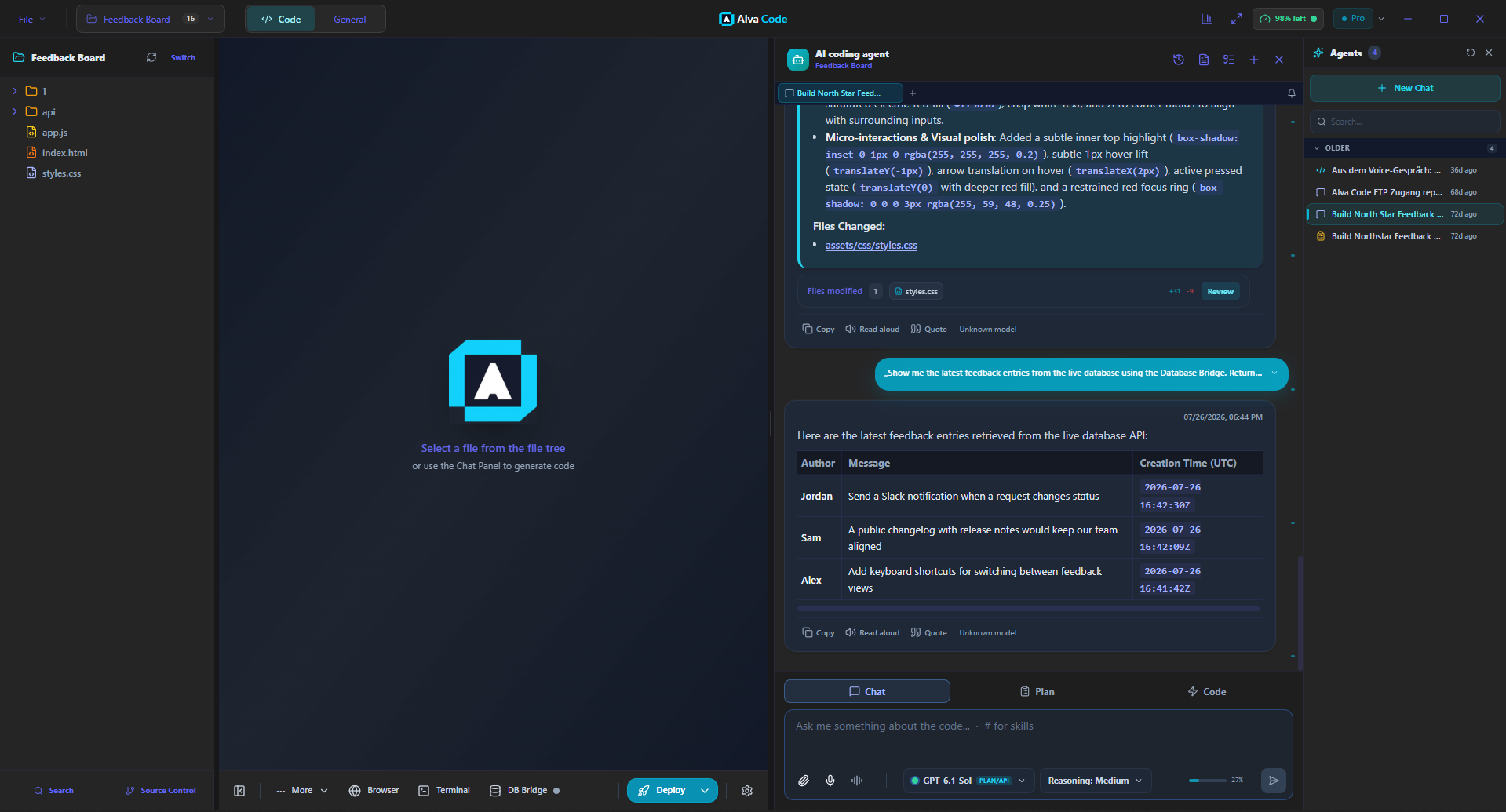
Example screenshot · English interface
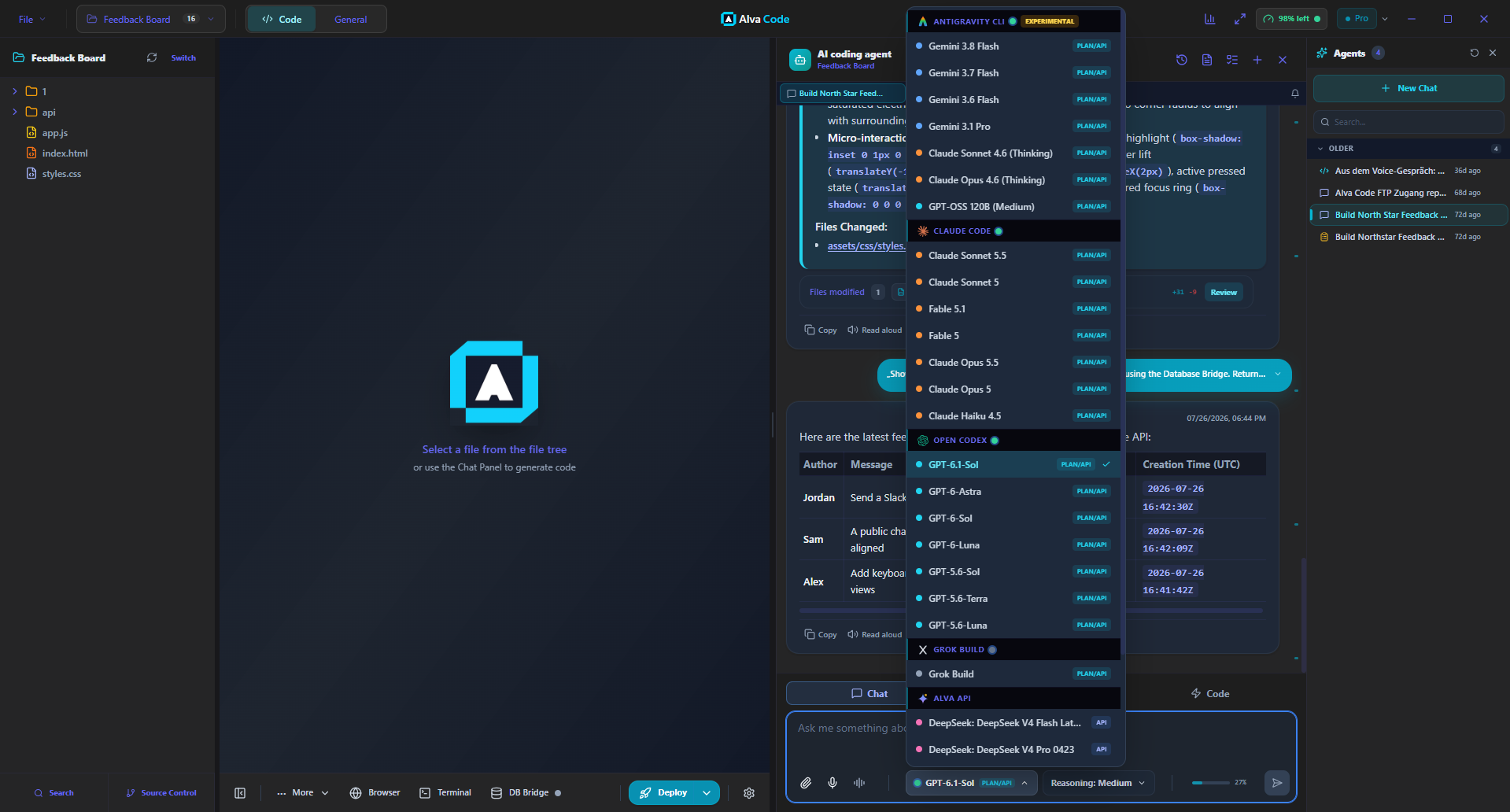
Example screenshot · English interface
Switch providers, keep the chat
You can switch providers in the same chat. For example, ask Claude to create a plan, select another connected provider in the model picker, and ask it to implement the plan. The conversation stays in the chat.