 Alva Code
First steps
Sign in to Alva Code
Understand the difference between your Alva account and your AI provider account.
Step by step
- Use “Continue with Google”, “Continue with GitHub”, or your Alva email and password.
- For a new email account, switch to “Register” and complete the form.
- If you forgot your Alva password, use “Forgot password?” on the sign-in screen.
- After signing in, complete setup. You will connect your AI provider separately; the Alva login does not sign you into a coding CLI.
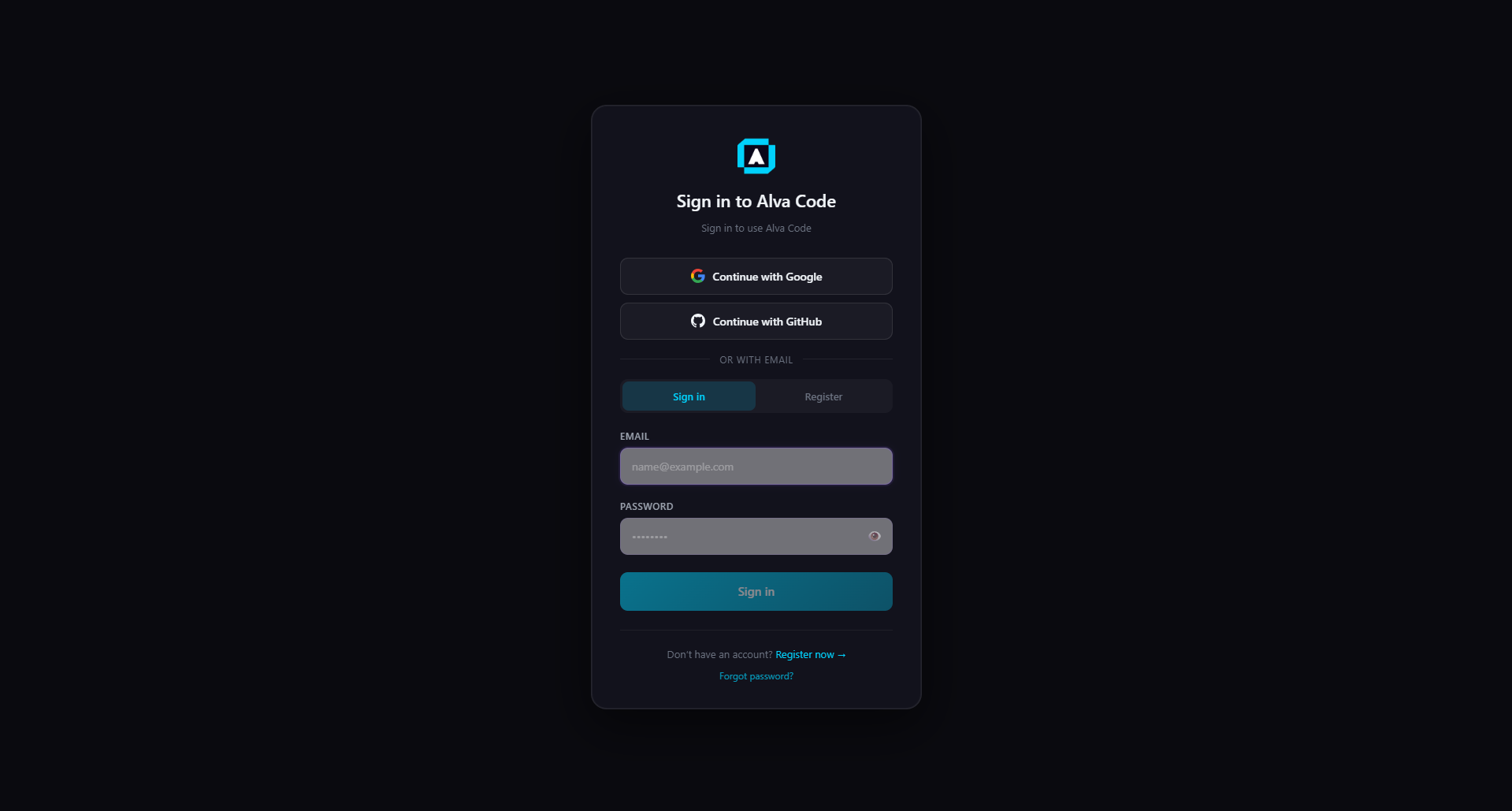
Example screenshot · English interface