 Alva Code
First steps
Your first successful task
From opening Alva Code to a small, working result. No coding experience required.
Step by step
- Install and open Alva Code. On Windows, follow the installer. On macOS, open the DMG and drag Alva Code into Applications, then launch it from there.
- Sign in to Alva Code or create an account. This signs you into Alva; connecting your AI provider is a separate step.
- Choose one AI connection: a provider’s coding tool (CLI), an API key, or a local model. Read “Choose your AI connection” if you are unsure.
- Open a project folder. For your first experiment, create an empty folder in the folder picker and select it.
- Select a connected provider and model in the chat panel. Start with a small task from “Example prompts”.
- Read the result, open the changed files, and ask the agent how to run or preview them. Make one follow-up change at a time.
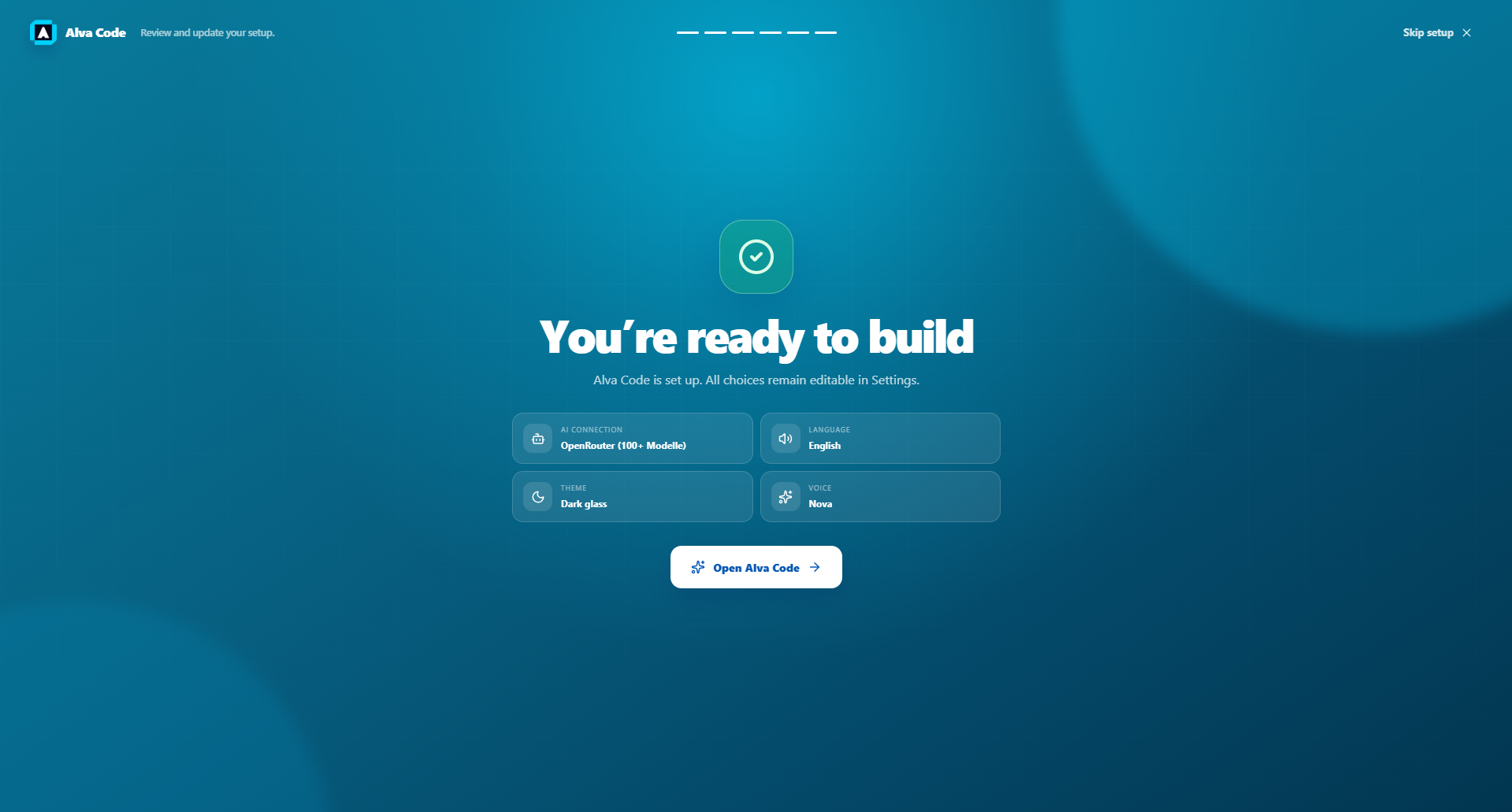
Example screenshot · English interface