 Alva Code
Connect AI
Use a local model with Ollama
Set up the local service and download a model before starting.
Step by step
- Open Settings → Ollama and follow the installation controls if Ollama is missing.
- Start Ollama and refresh its status. Check that Alva can reach the configured local address.
- Install a model from the available list. Wait until the download finishes.
- Enable the local connection if it is marked inactive, then select an available local model.
- Try a short question first. Larger models need more memory and may respond more slowly on your computer.
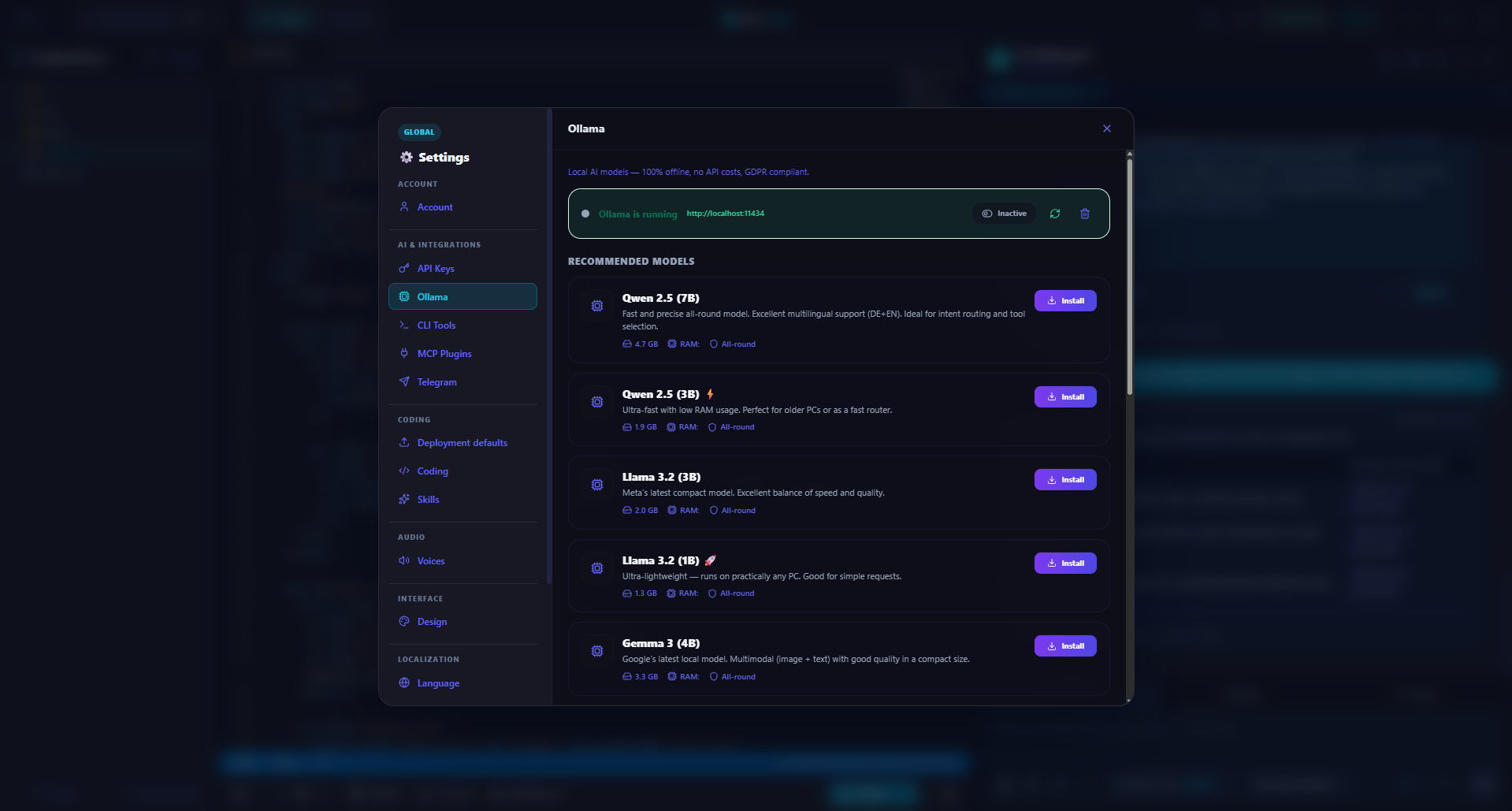
Example screenshot · English interface